UberLoop
6.41.9
Devlog — Better Builds, Better Upgrades, Better Controls
Hey everyone! We’ve been doing a lot of work behind the scenes to improve how each run feels, with most of the attention going toward progression, skill trees, and player choice.
New and Improved Skill Trees
The elemental upgrades have been reorganized into proper skill trees:
- Burn
- Poison
- Shock
- Cryo
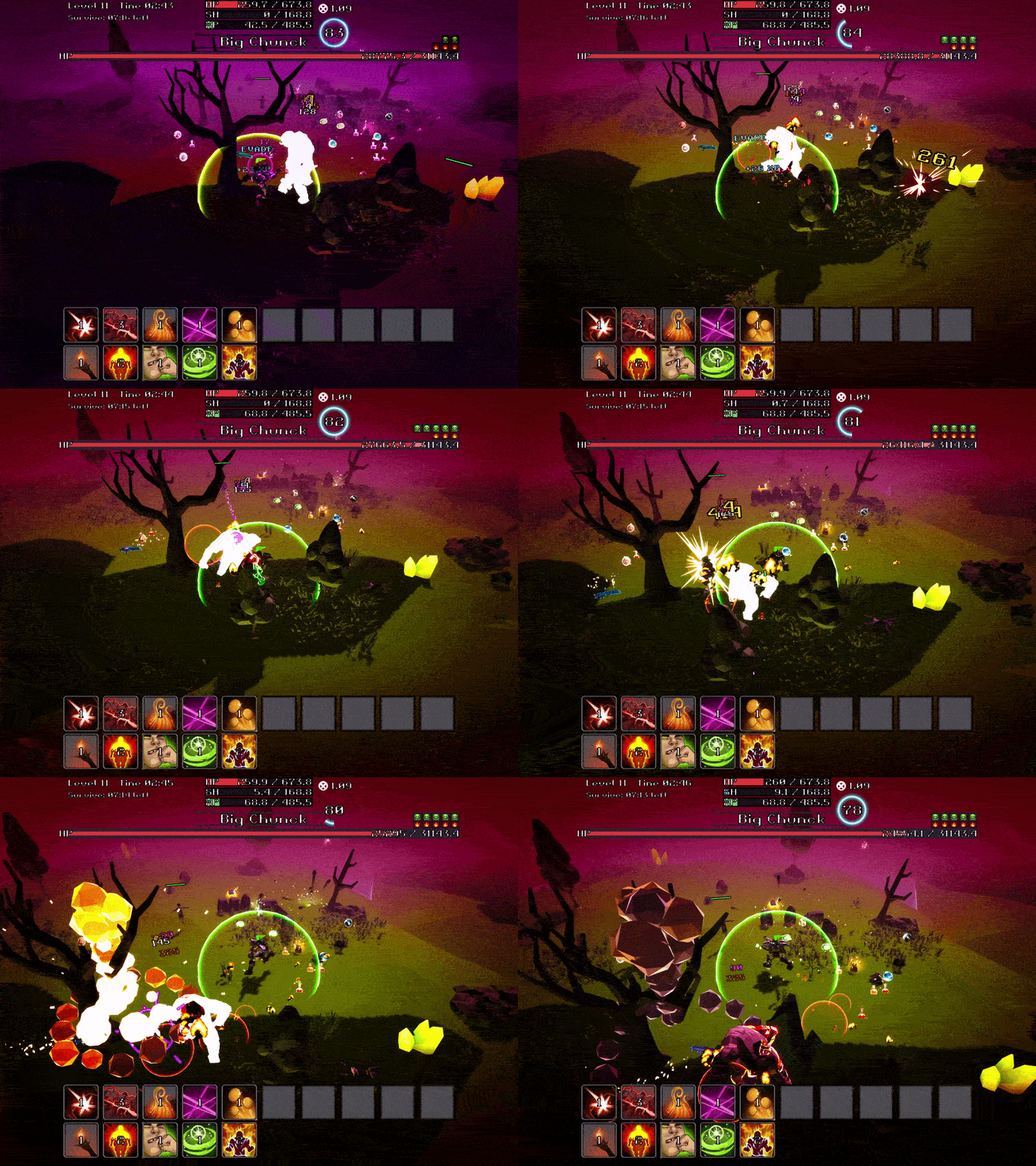
Each path now has a clearer identity and progression. Once you commit to an elemental path, future upgrade choices become more focused around that build instead of filling your offers with unrelated skills.
Stronger upgrades are also gated behind earlier parts of their tree. This creates a more natural progression from foundational effects into the powerful upgrades that define a completed build.
Shock and Cryo received particularly large improvements. Shock can build toward fast damage and explosive chaining, while Cryo focuses on slowing, freezing, and spreading frozen effects between enemies.
Smarter Upgrade Offers
We’ve done a major cleanup of how upgrades are offered.
Elemental path choices now appear through level-ups, while shrines and other rewards focus more on expanding the path you’ve selected. Before committing to a path, the game is more likely to offer one so you can begin shaping your build early.
We’ve also:
- Removed or combined redundant upgrades
- Separated general stat improvements from elemental skills
- Improved upgrade titles and descriptions
- Made stacking behavior easier to understand
- Added rarity indicators to upgrade choices
- Filtered offers so they better match your current build
The goal is to make each choice feel useful while still leaving room to experiment.
Progression and UI Improvements
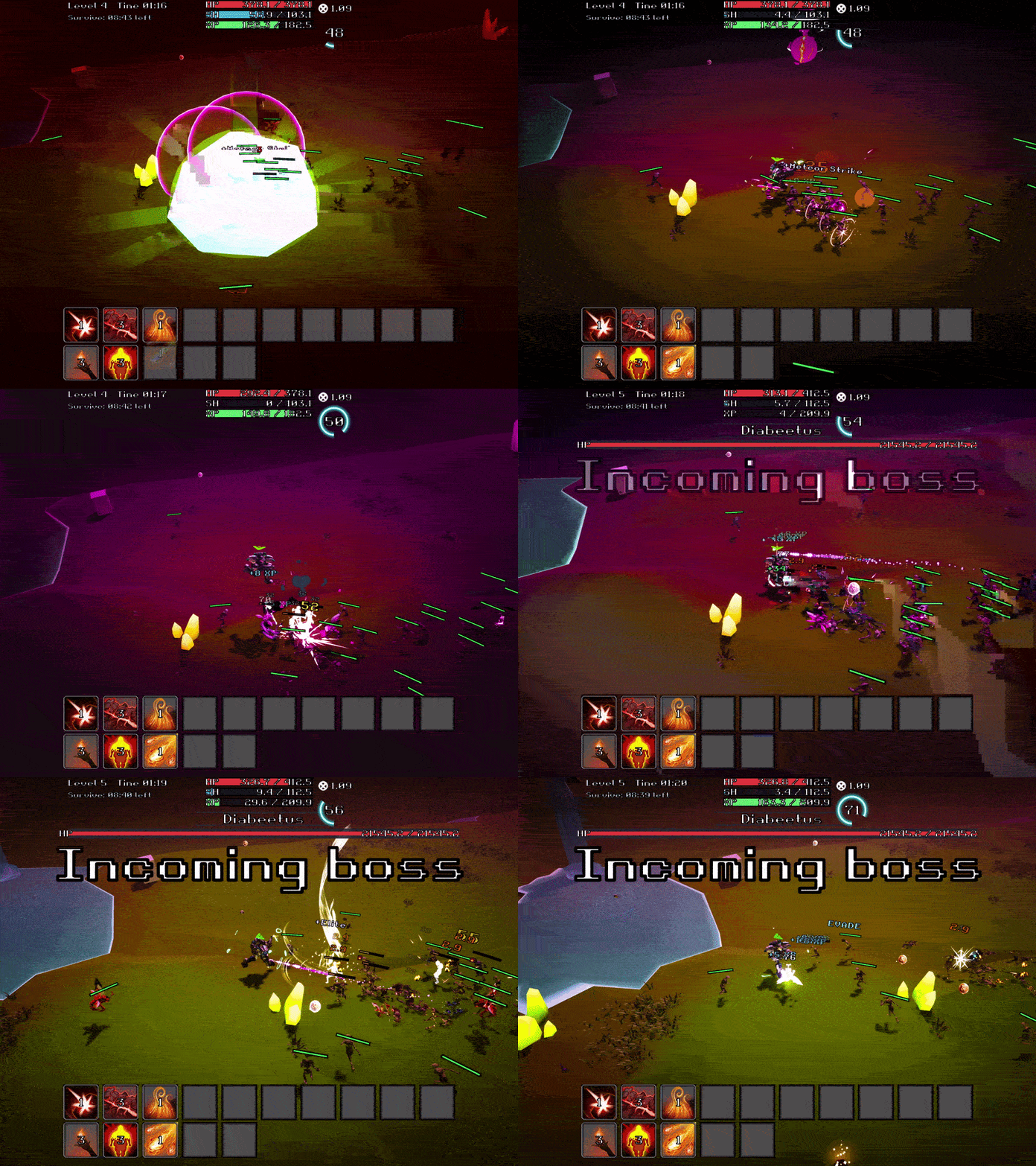
The stats display has been expanded to better represent the new systems, including additional information for Shock and Cryo builds.
We’ve also improved several smaller presentation details:
- More reliable obtained-skill icons
- Clearer stat labels
- Better upgrade previews
- Smoother health and shield bars
- Improved status-effect indicators
- Cleaner upgrade and stats menus
These changes should make it much easier to understand what your build is doing during a busy run.
Key Rebinding
The Settings menu now includes proper key rebinding.
Players can rebind:
- Movement keys
- Jump
- Dash
- Settings
- Stats
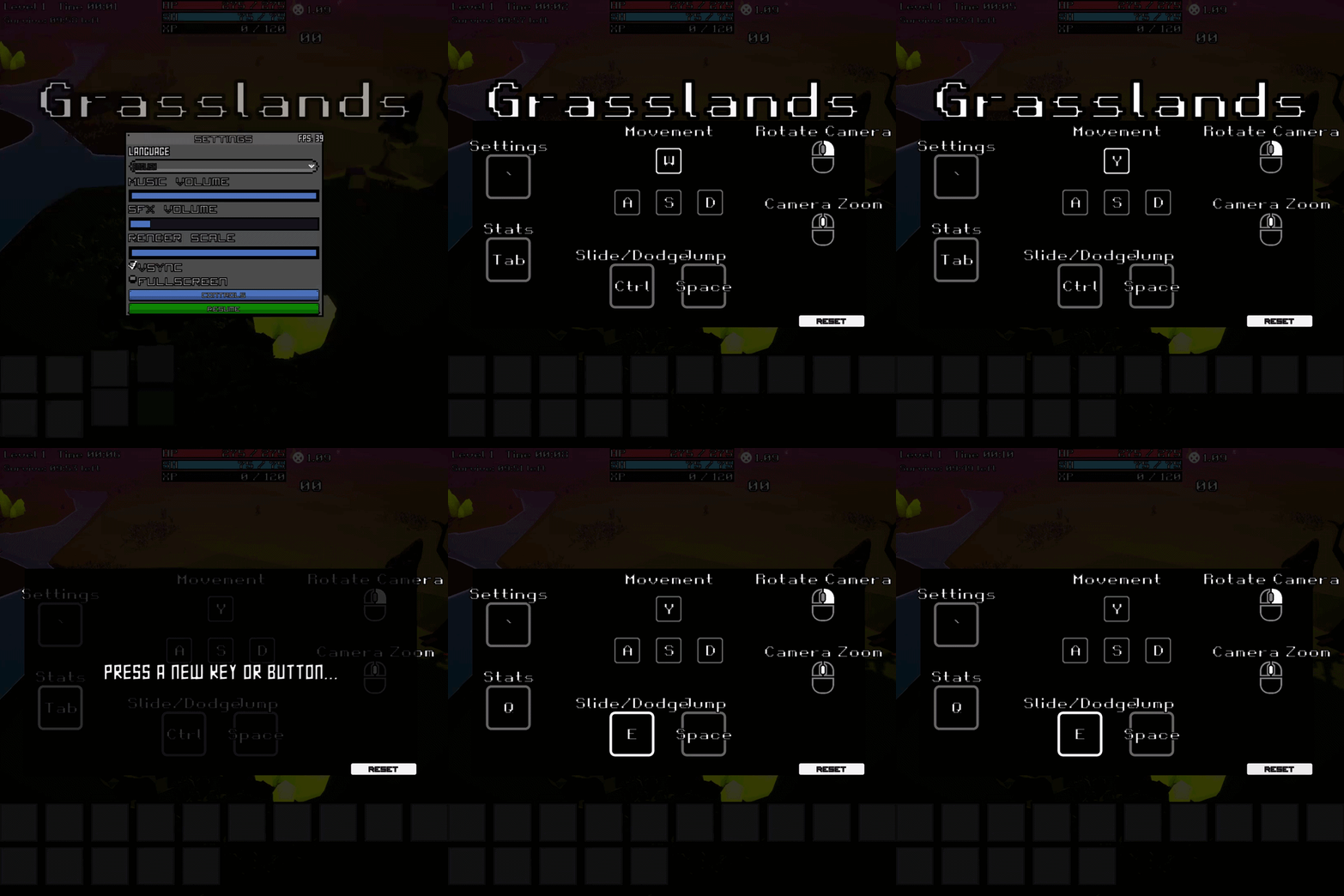
Each button displays its current binding, and custom controls are saved between sessions. There is also a Reset to Defaults option if you want to quickly restore the original setup.
The controls menu and key names now support localization as well, so both action labels and common keys update correctly when changing languages.
Additional Polish
Alongside the larger progression changes, we’ve continued tuning enemy pressure, improving boss encounters, and optimizing frequently spawned effects such as elemental ground patches and explosions.
There’s still more balancing and polish ahead, but builds are already feeling much more focused and expressive. The aim is for every run to give you interesting decisions—and for those decisions to grow into something satisfyingly powerful.
Leave a comment
Log in with itch.io to leave a comment.